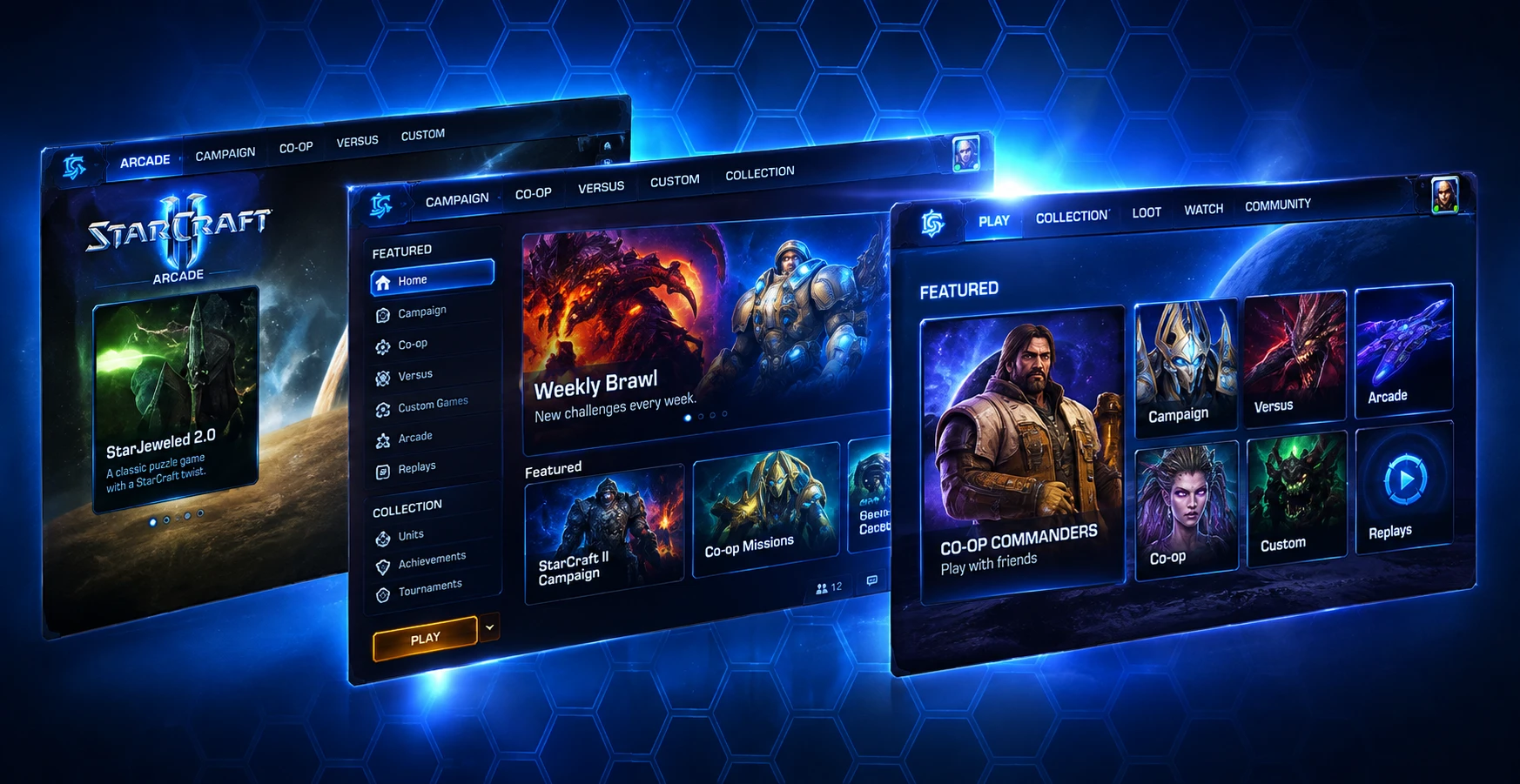
StarCraft II — AAA Game UI Design
Designing UI for a live AAA game
My work on StarCraft II spanned interface design, interaction design, and visual systems across a large and constantly evolving game experience. I created the UI mockups and established the visual language used to bring new features, game modes, and supporting systems into a cohesive product experience.
The challenge was not simply making individual screens look polished. New interfaces had to feel unmistakably StarCraft while remaining understandable across very different contexts, from competitive play and progression to social features, content discovery, training, and commerce.
The goal: create interfaces that felt native to the StarCraft universe while giving players clear, usable paths through increasingly complex game systems.
Challenges
Three constraints shaped how the work got done.
Brought in at the 11th hour
Leadership asked me to move teams late in development because the UI was not on track to meet Blizzard's quality bar. With limited time remaining, I needed to establish a stronger visual direction and help get the UI ready for production.
Designing at AAA scale
The UI needed a cohesive visual language across very different experiences, including navigation, social features, campaigns, progression, training, Arcade, and commerce.
Cross-disciplinary production
UI changes affected developers, artists, animators, technical artists, sound designers, and other teams, creating significant downstream dependencies.
One visual language across very different experiences
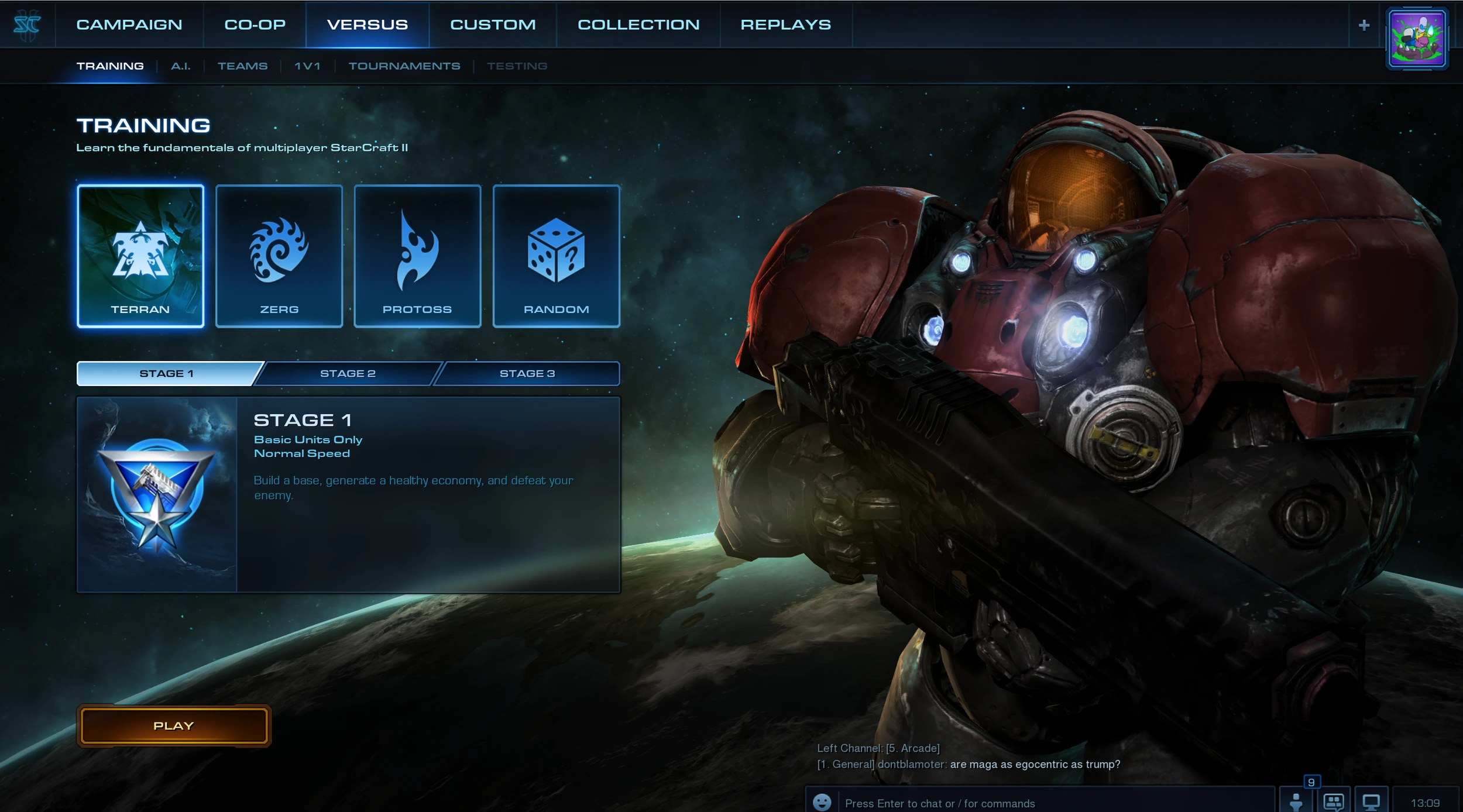
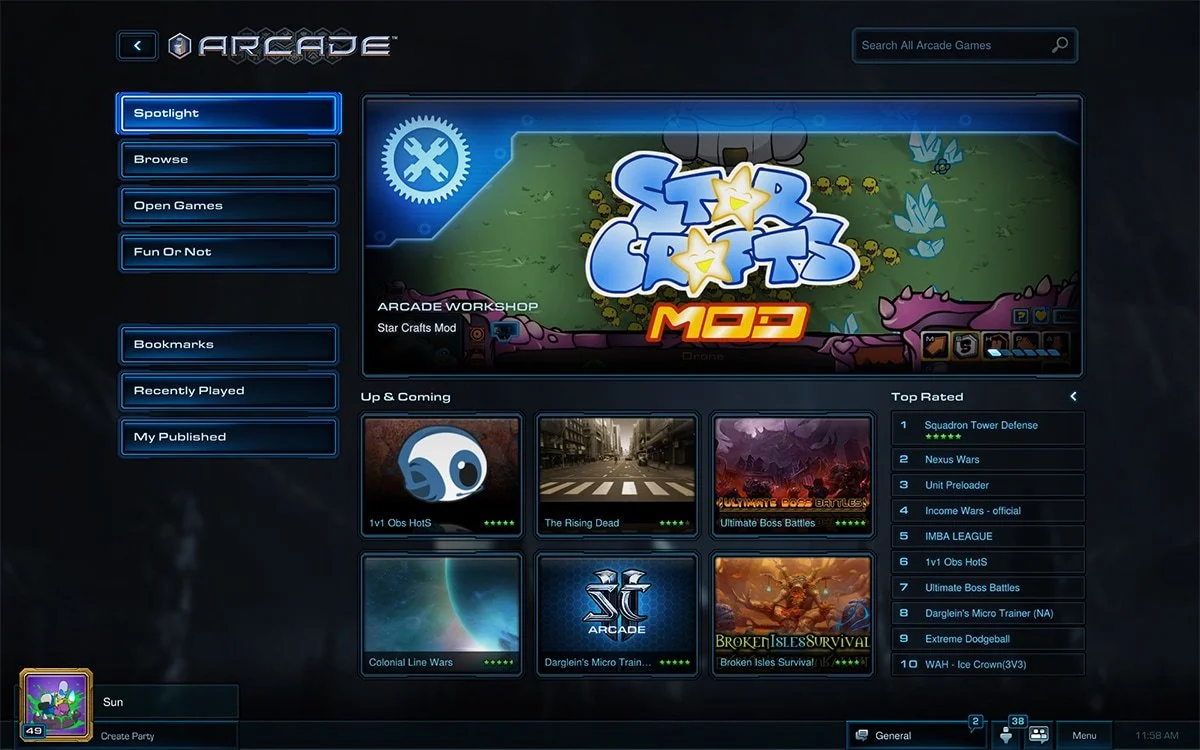
StarCraft II required UI patterns that could stretch across navigation, content discovery, competitive systems, social experiences, training, progression, and commerce without losing visual coherence.
Global Navigation
A consistent top-level structure gave players access to major game modes while allowing each area to maintain its own visual identity.
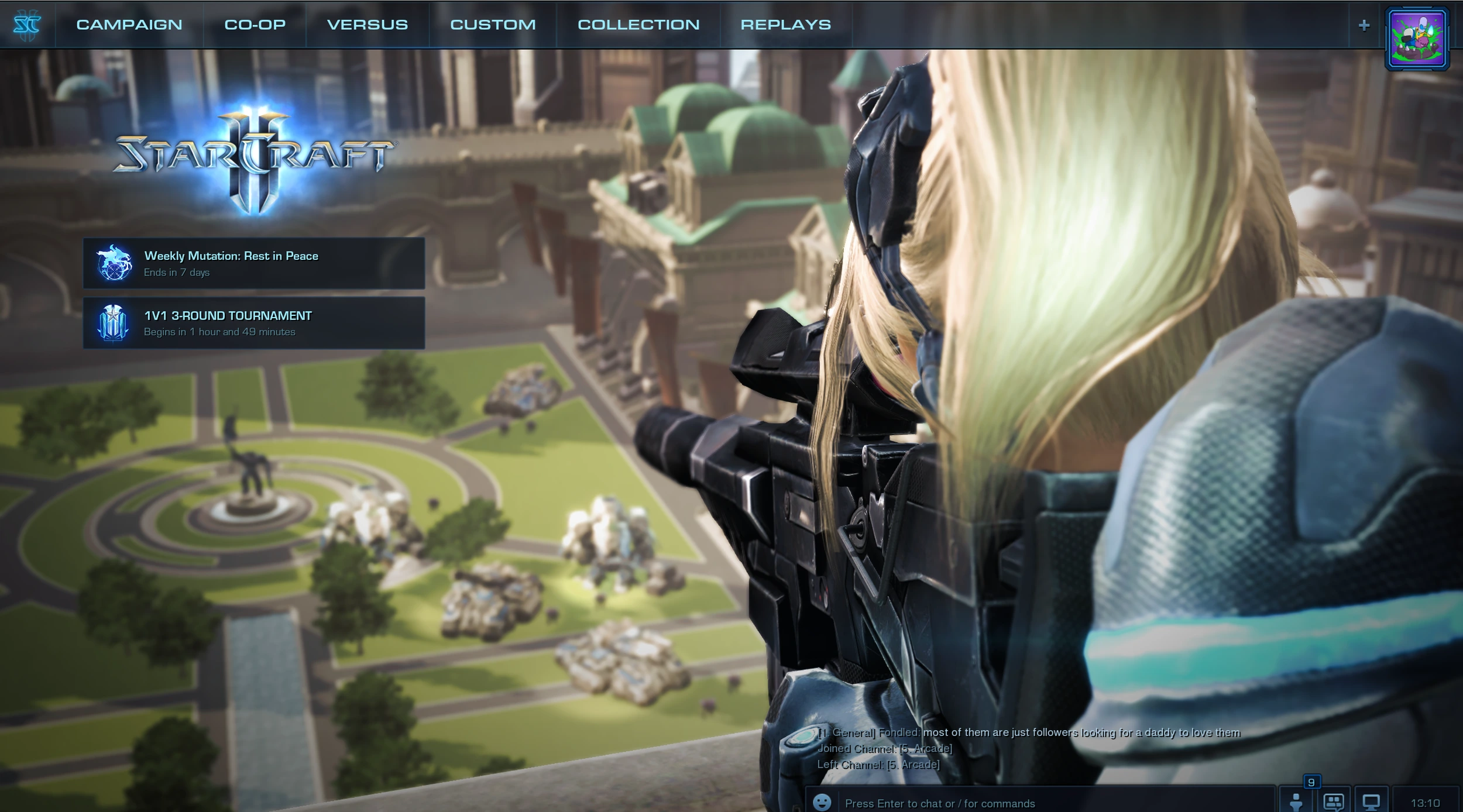
Campaign & Content Selection
Large visual choices allow players to understand content, progression, and ownership state without turning the experience into a traditional menu.
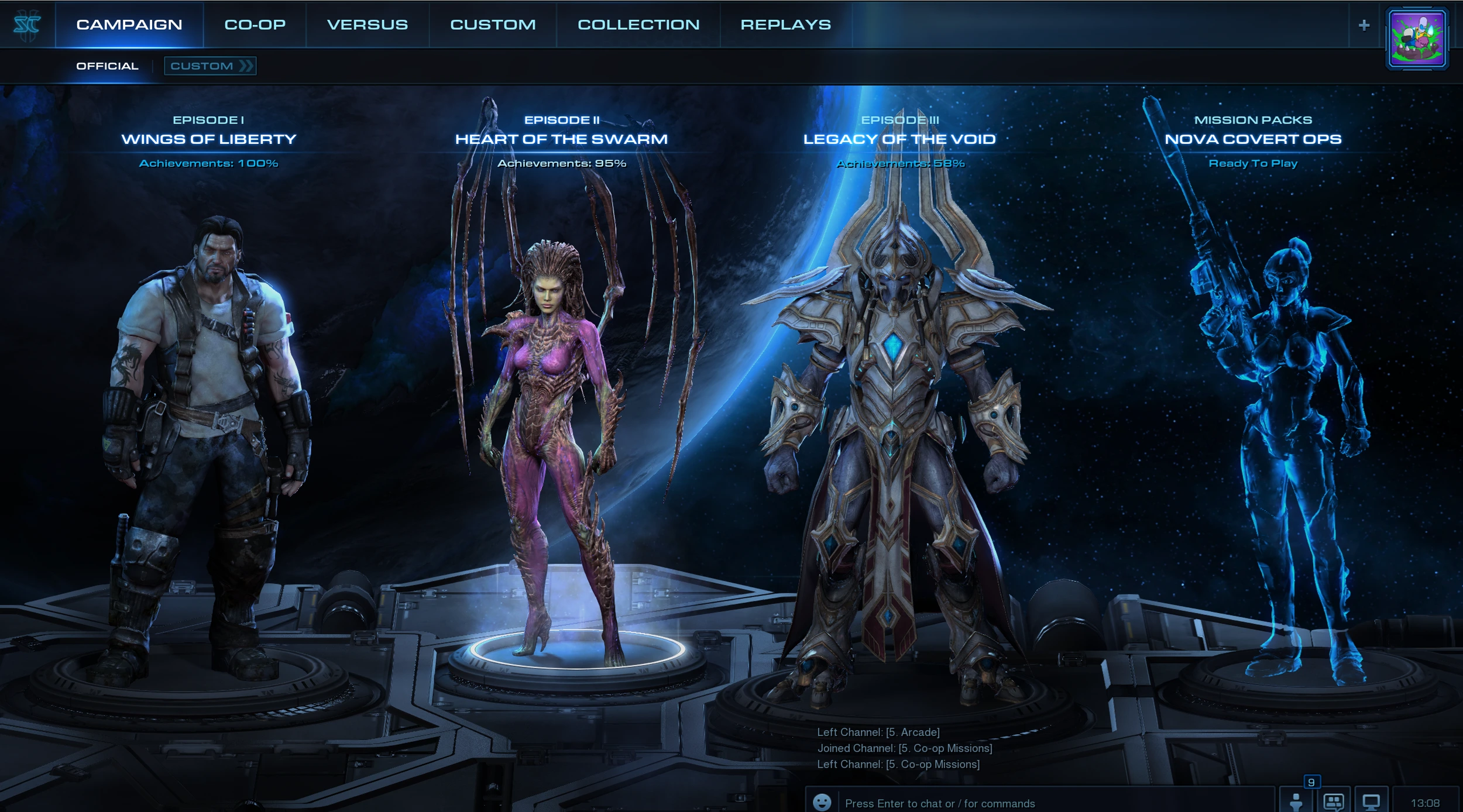
Collection & Commerce
Dense product information, ownership states, pricing, and visual content had to coexist while retaining the cinematic tone of the game.
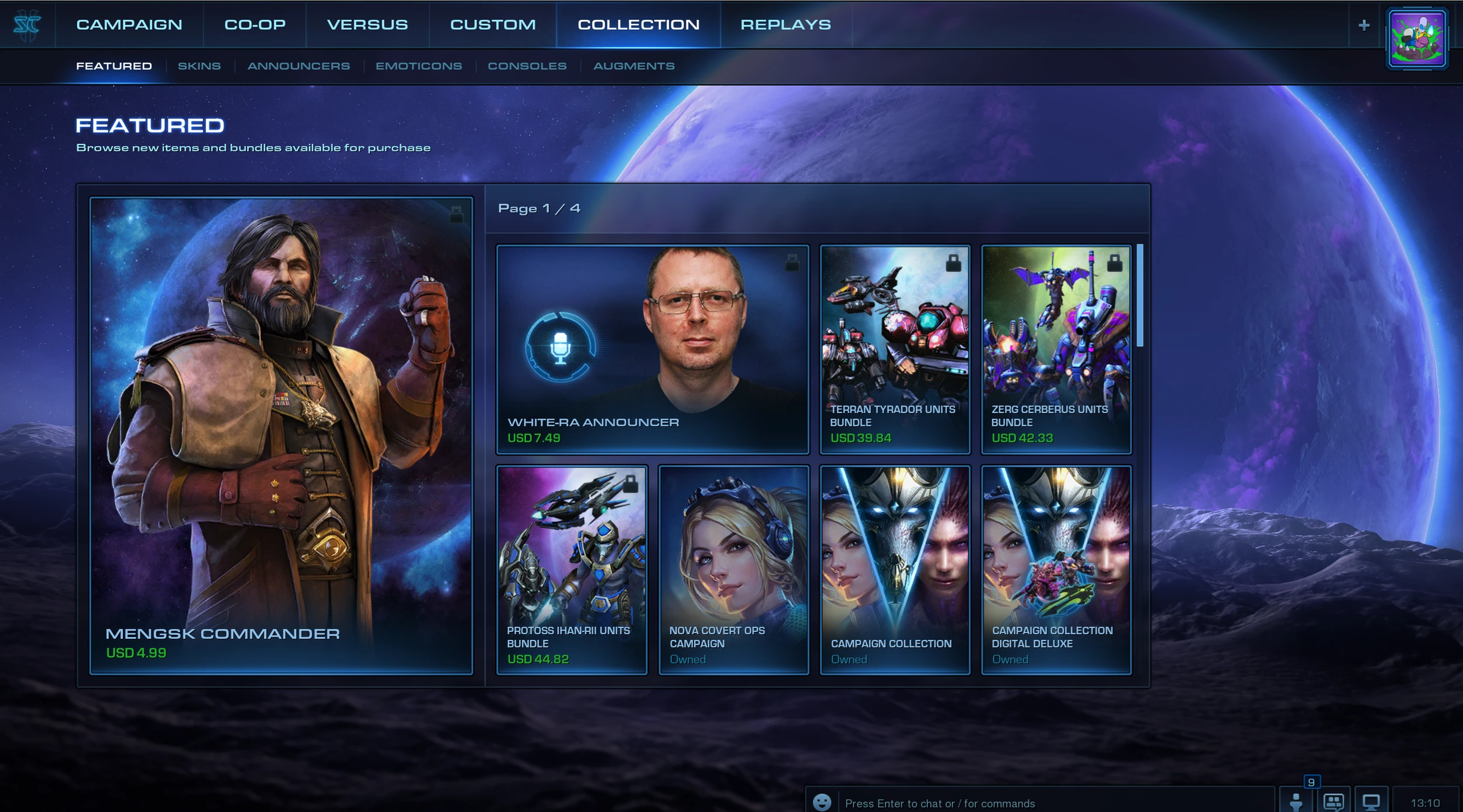
Social & Chat Interaction Design
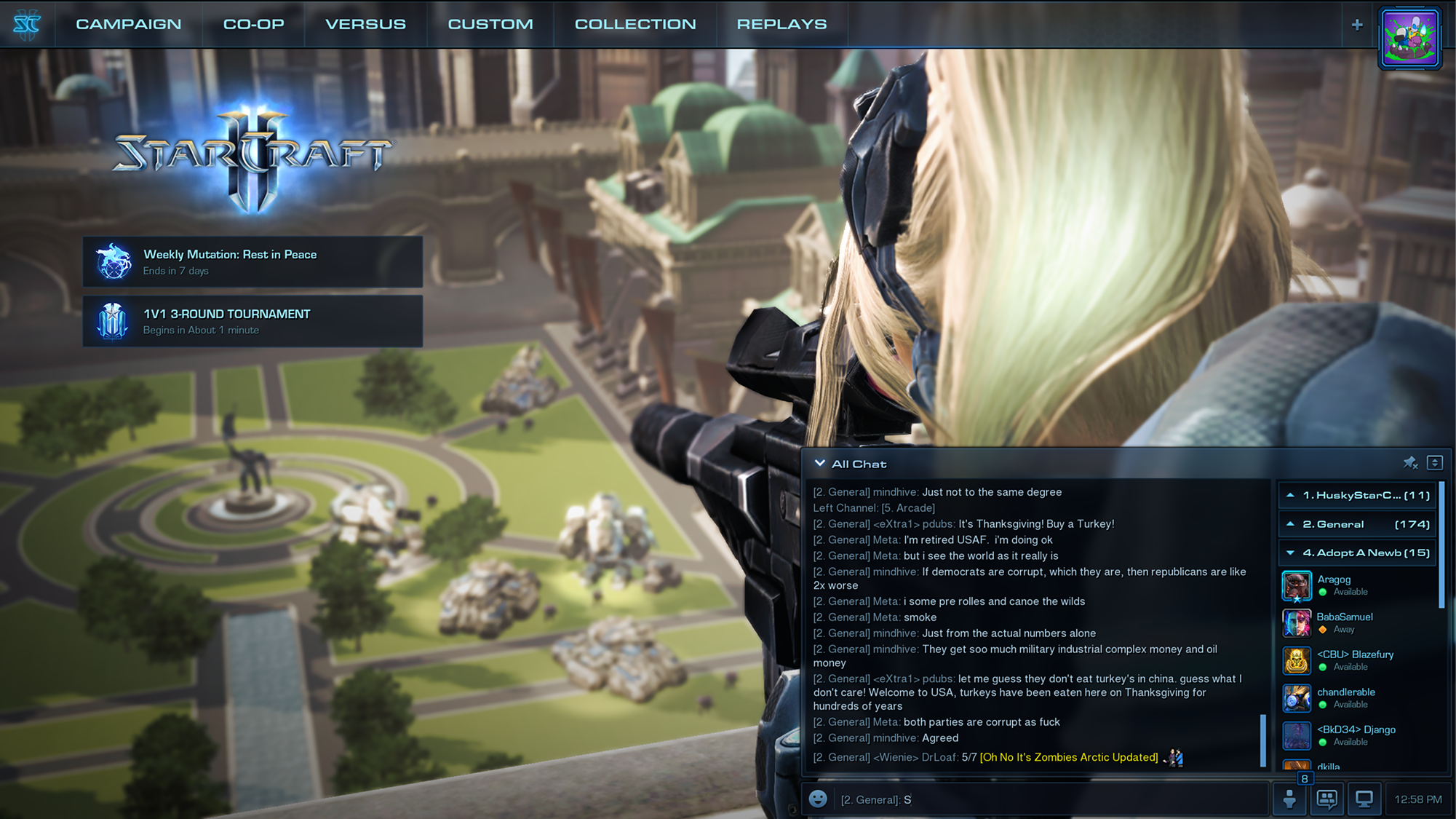
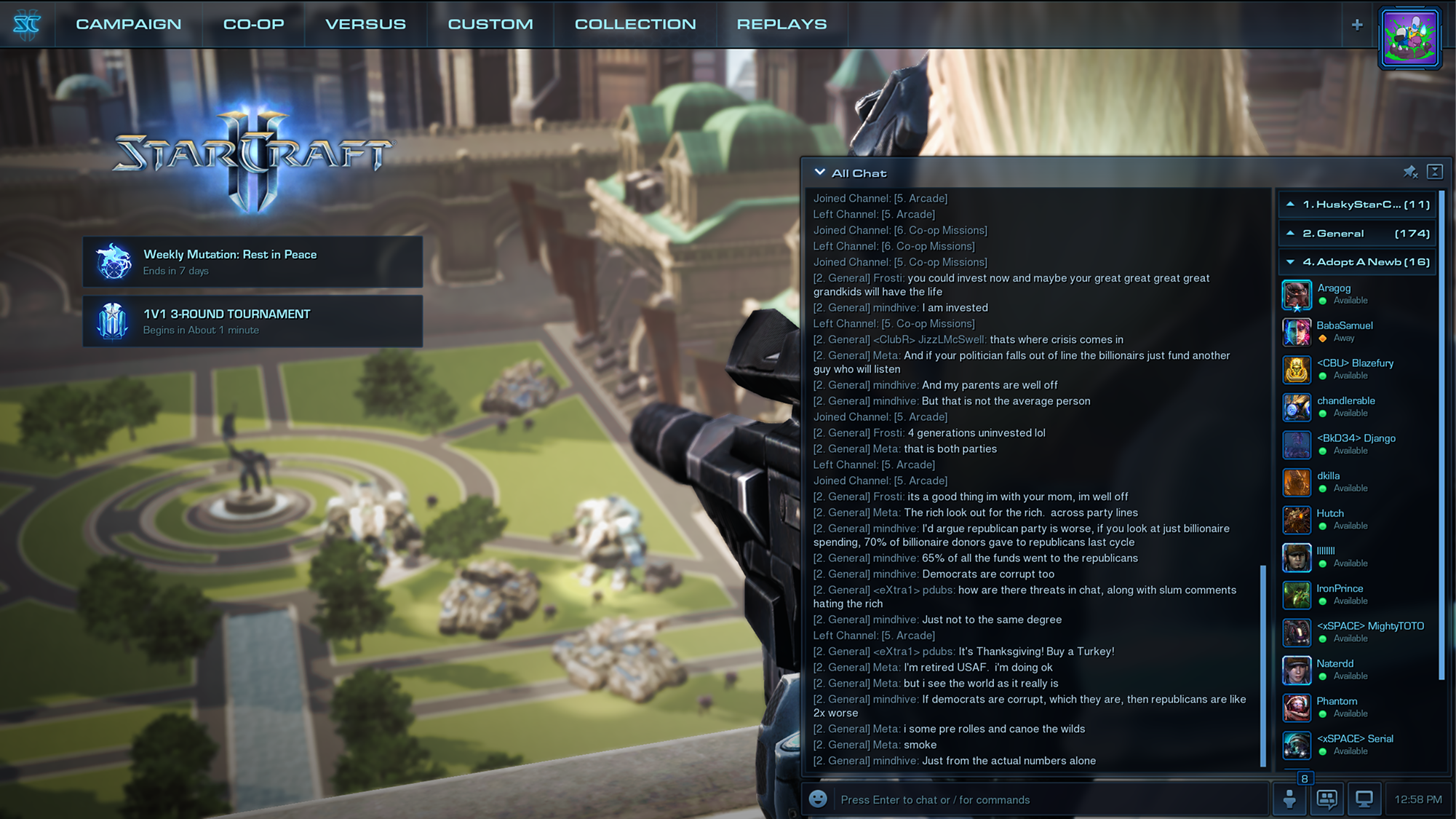
StarCraft II's social experience had to accommodate very different types of players and different levels of engagement with chat.
Less social → More social
Prefers solo play and can leave chat entirely.
Sees conversation scroll by without opening chat.
Can keep a readable conversation open while playing.
Can expand chat for active conversation.
UI design inside a multidisciplinary game team
AAA game UI is inherently collaborative. Interface decisions affected visual art, technical implementation, animation, sound, gameplay, and the broader player experience. I worked across disciplines to move concepts from mockup to implementation while maintaining a consistent interaction and visual direction.
UI & Art
Established visual direction and translated game-world aesthetics into usable interface systems.
Engineering
Worked through implementation constraints, interaction behavior, and the realities of building UI inside a live game.
Game Teams
Coordinated with the disciplines responsible for gameplay, animation, sound, content, and supporting systems.
Maintaining coherence as the game expanded
As StarCraft II expanded, interface work increasingly crossed feature and team boundaries. The visual language and interaction patterns had to scale with the product rather than being reinvented independently for every new feature.
This meant balancing consistency with the distinct needs of each game mode, coordinating across disciplines, and giving teams enough structure to build new experiences without making every screen feel identical.
Across the StarCraft II experience
The work extended across competitive play, onboarding, social features, content discovery, commerce, campaign experiences, and progression.
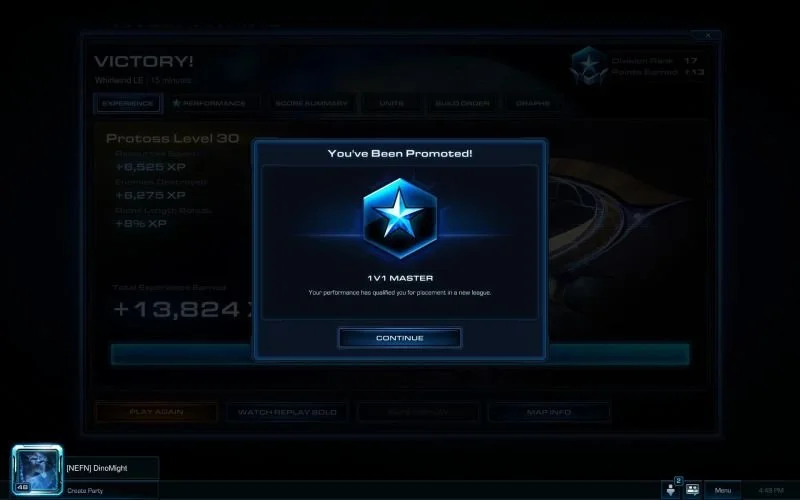
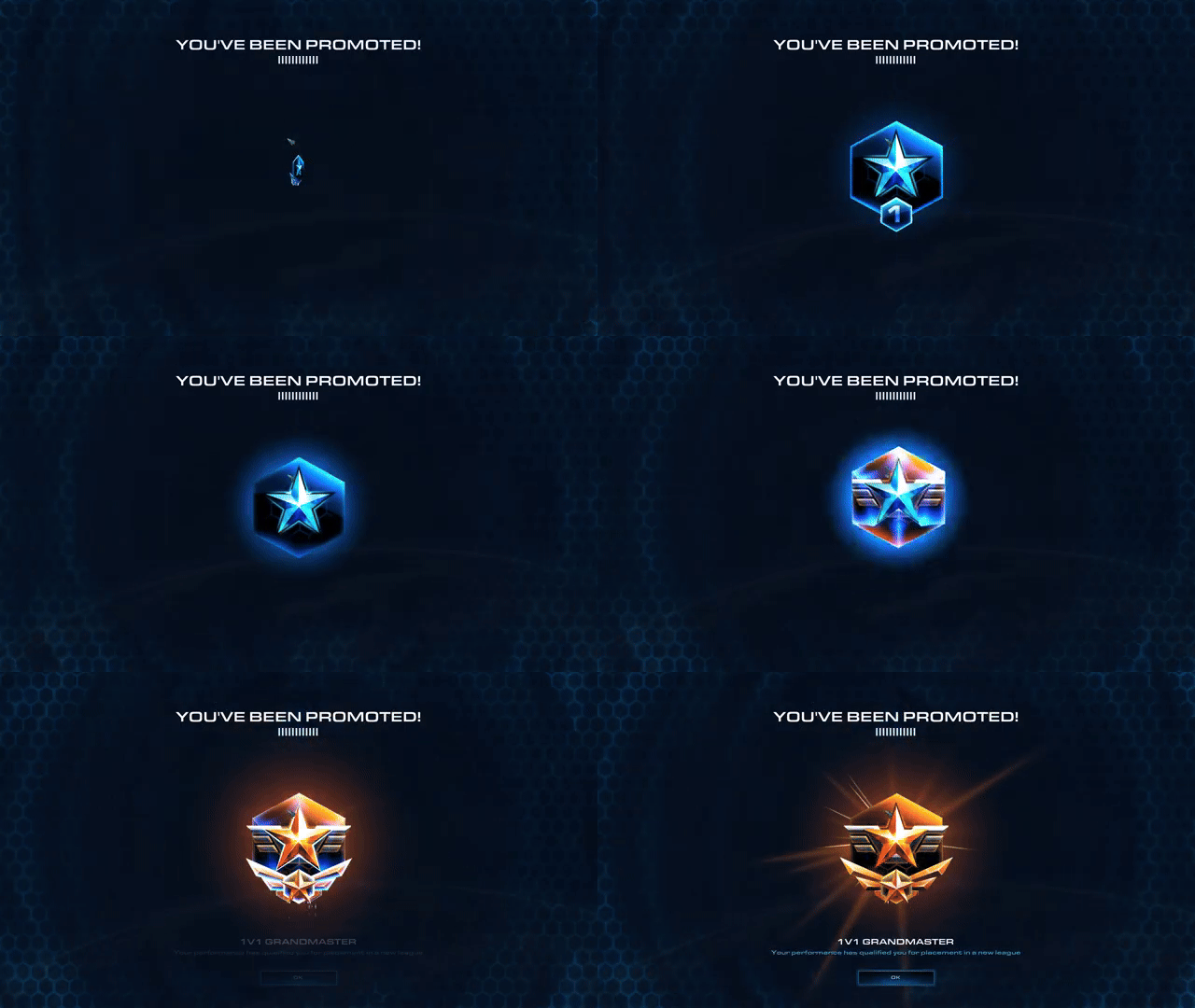
Making achievement feel like an event
Competitive progression is more than a status update. The interface also has to communicate accomplishment and give important moments the visual weight players expect from the game.
Players noticed the difference
UI work often succeeds quietly. In this case, players explicitly commented on the interface changes after release.
"The new user interface looks A LOT better. Thanks!"
Player response"OMG. I love this UI update."
Player response"This looks great, guys. I love these changes."
Player response"It looks so much better!"
Player response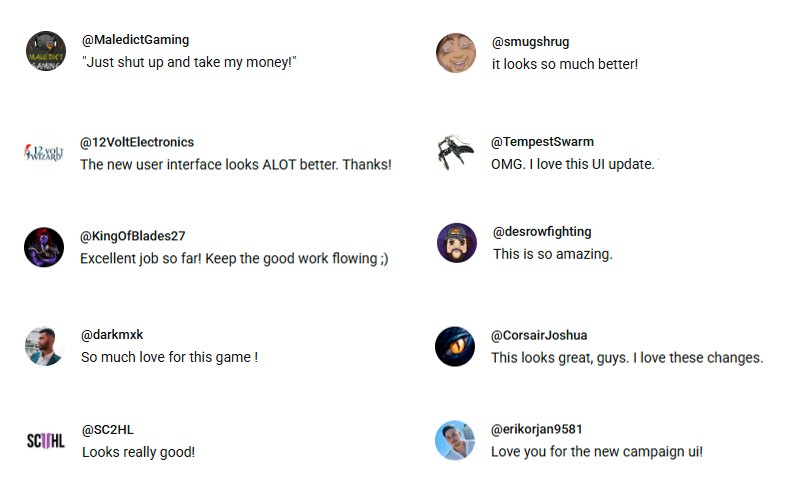
A visual system built for a growing live game
- Established the visual language: Used across a broad set of StarCraft II interfaces.
- Designed UI across the full experience: Navigation, progression, social systems, training, campaign content, Arcade, and commerce.
- Created scalable interaction patterns: Built to extend as new features and content were added.
- Worked across disciplines: Translated UI concepts into a cohesive live game experience alongside art, engineering, and game teams.
- Generated direct player feedback: Interface updates received explicit positive reception after release.